Demo entry — sample data for the inventory app, not a machine I own yet. Replace or delete it when the real collection goes in.
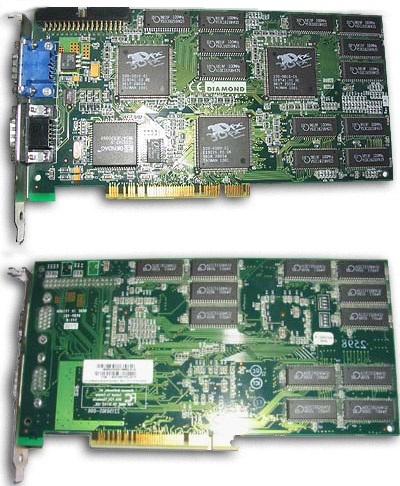
The card that made 3D acceleration a household thing in 1998, often run in pairs. This one lives in the parts bin for a future 1998 Pentium II build.
Photo: Darkone (CC BY-SA 2.5), via Wikimedia Commons.
Machine
Amiga 500
Machine
Commodore · A500 · 1987
Category
Home computer
Platform
Kickstart 1.3 / Workbench 1.3
Serial
DEMO-A500-006
Condition
Awaiting capacitors
Working
No
Acquired
2024
Location
Rack B · shelf 1
Demo entry — sample data for the inventory app, not a machine I own yet. Replace or delete it when the real collection goes in.
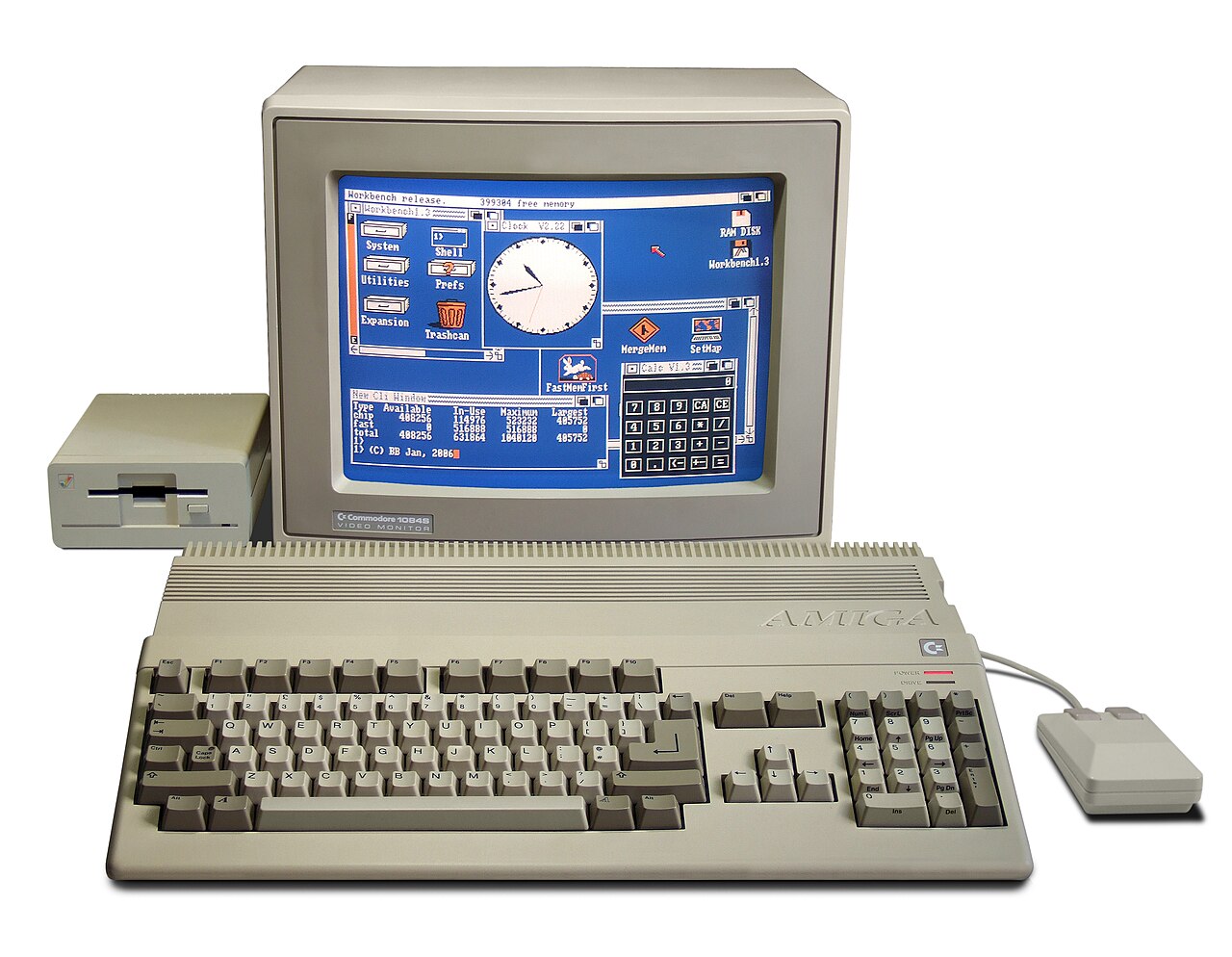
Commodore's 1987 home machine paired a Motorola 68000 with custom chips that played sampled sound and animation while PCs were still beeping. The A500 here is waiting on a capacitor kit before it runs again.
Photo: Bill Bertram (CC BY-SA 2.5), via Wikimedia Commons.
Demo entry — sample data for the inventory app, not a machine I own yet. Replace or delete it when the real collection goes in.
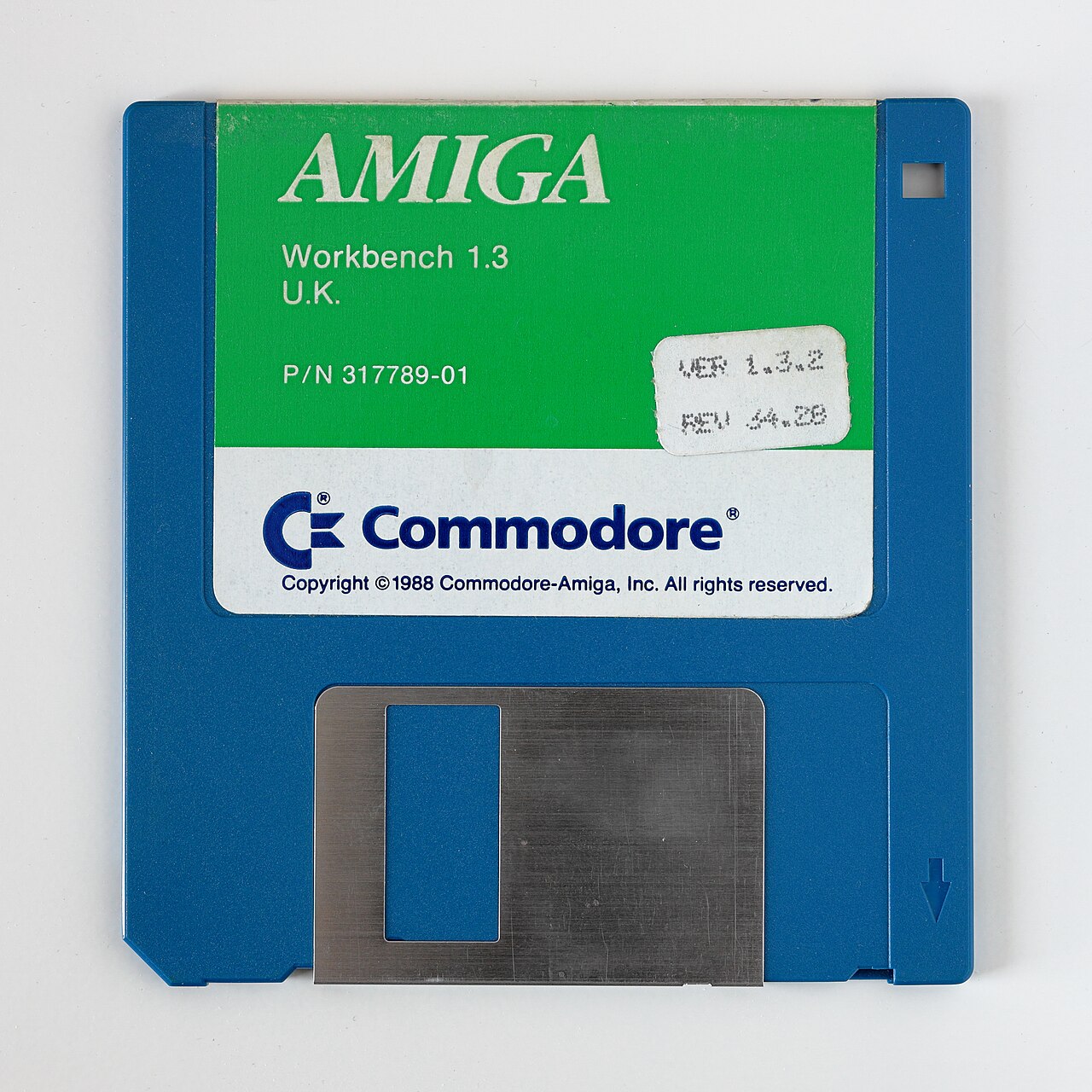
The 1988 AmigaOS release that most A500 owners still picture: blue, beige and immediate. The original disks for the machine in the rack.
Photo: Bobulous (CC BY-SA 4.0), via Wikimedia Commons.
Demo entry — sample data for the inventory app, not a machine I own yet. Replace or delete it when the real collection goes in.
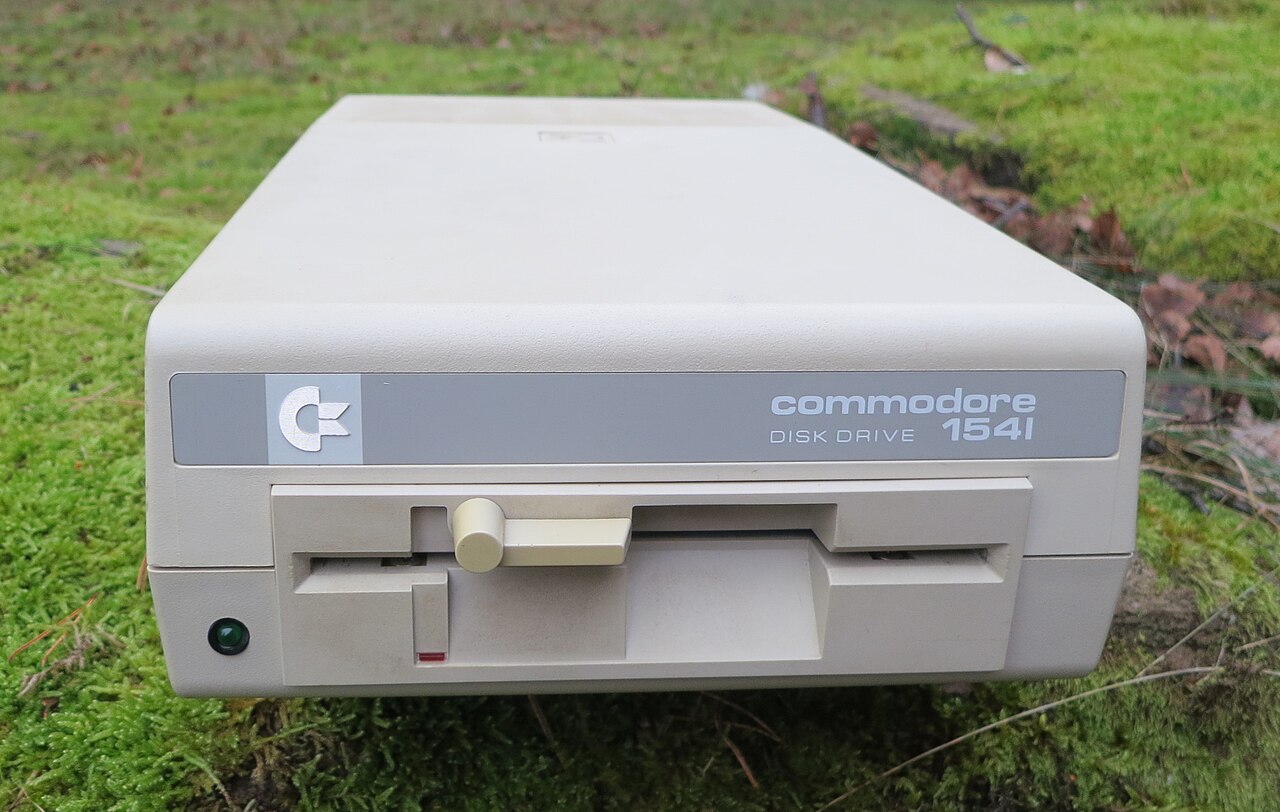
The drive that shipped with the C64, famous for being slower than the hardware it served — a serial-bus bottleneck that modders spent the 1980s working around. Head alignment checked.
Photo: R. Henrik Nilsson (CC BY 4.0), via Wikimedia Commons.
Machine
Commodore 64
Machine
Commodore · 64 · 1982
Category
Home computer
Platform
Commodore BASIC 2.0
Serial
DEMO-C64-005
Condition
Good
Working
Yes
Acquired
2021
Location
Studio shelf
Demo entry — sample data for the inventory app, not a machine I own yet. Replace or delete it when the real collection goes in.
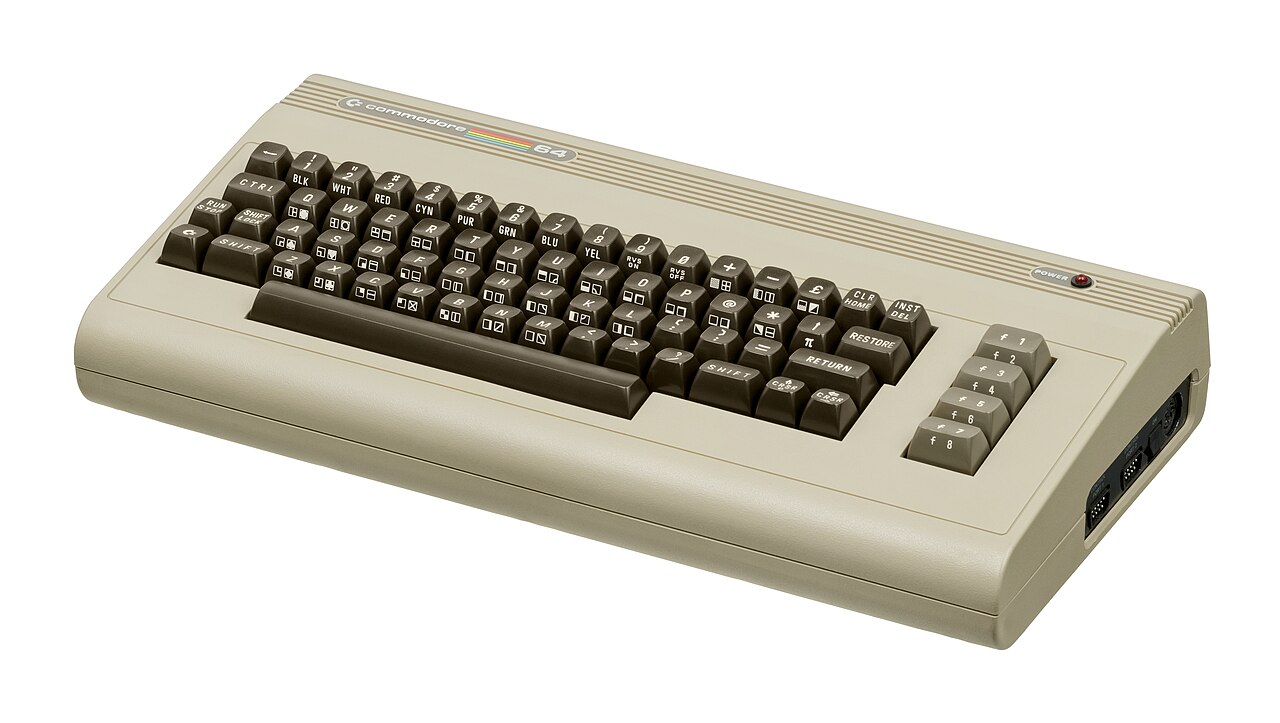
The best-selling computer of all time — a 1982 breadbox with a SID chip that made it a games machine and a synthesiser at once. Powers up to the familiar blue screen.
Photo: Evan-Amos (Public domain), via Wikimedia Commons.
Demo entry — sample data for the inventory app, not a machine I own yet. Replace or delete it when the real collection goes in.
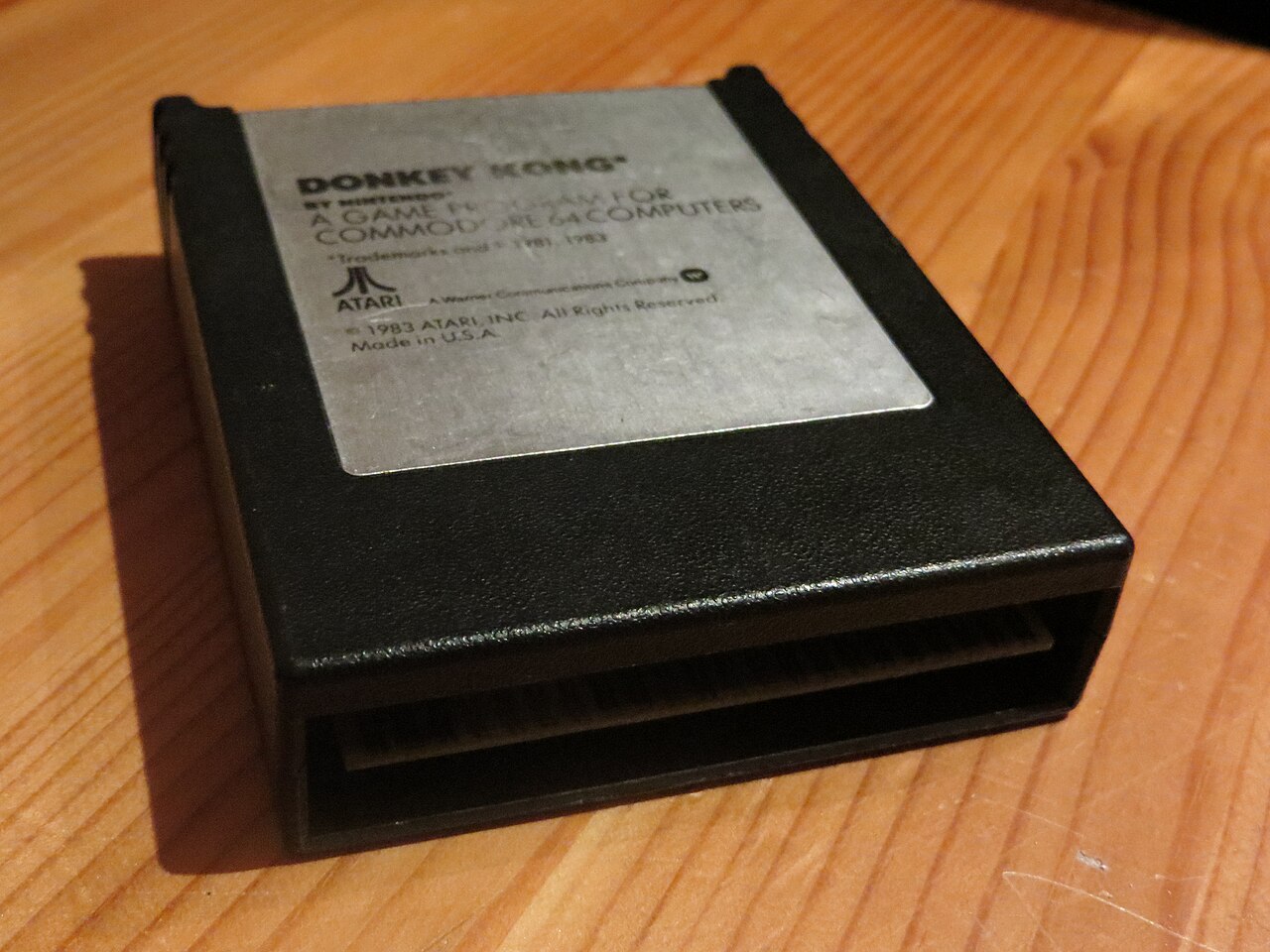
Atari's 1983 Commodore 64 cartridge of Nintendo's arcade hit — one of the best-selling home conversions of the era.
Photo: Sönke Rahn (CC BY-SA 3.0), via Wikimedia Commons.
Demo entry — sample data for the inventory app, not a machine I own yet. Replace or delete it when the real collection goes in.
IRIX was SGI's flavour of UNIX with the Indigo Magic desktop, and 6.5 was its long-lived final line. This media kit pairs with the Indy.
Machine
Macintosh SE/30
Machine
Apple · M5119 · 1989
Category
Compact Mac
Platform
System 7.5
Serial
DEMO-MAC-004
Condition
Recapped — good
Working
Yes
Acquired
2022
Location
Studio shelf
Demo entry — sample data for the inventory app, not a machine I own yet. Replace or delete it when the real collection goes in.
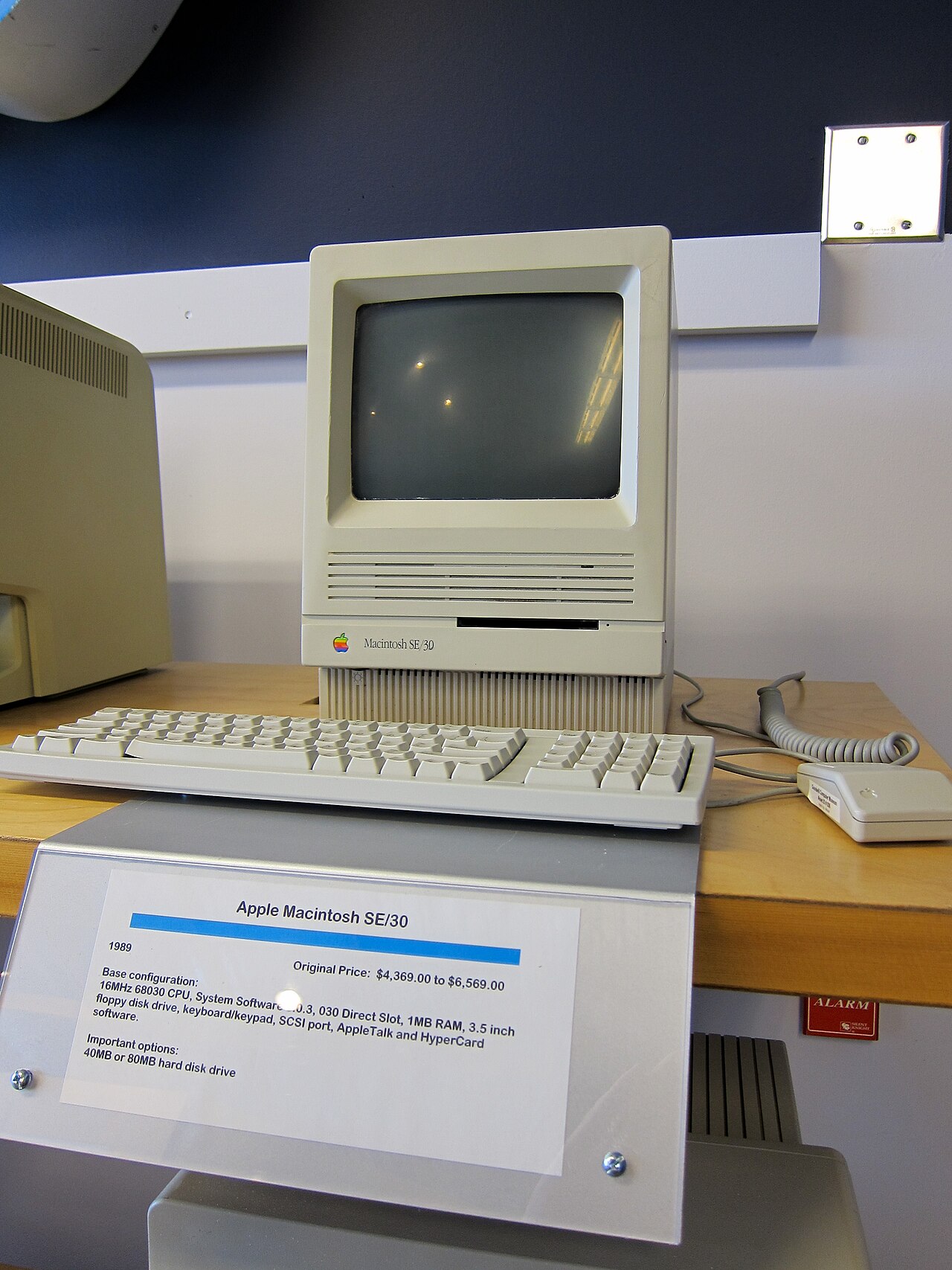
The fastest of the compact Macs: a 68030 inside the classic all-in-one case, launched in 1989 and still remembered as the best of the line. This one has been recapped and boots System 7.5 from its original drive.
Photo: Jeff Keyzer from Austin, TX, USA (CC BY-SA 2.0), via Wikimedia Commons.
Demo entry — sample data for the inventory app, not a machine I own yet. Replace or delete it when the real collection goes in.
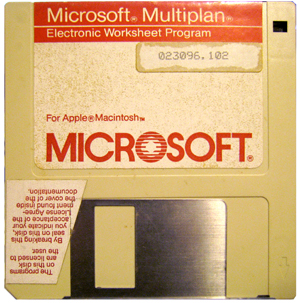
Microsoft's Multiplan came on a single floppy and was the spreadsheet the company shipped for the Mac before Excel arrived in 1985. This copy pairs with the SE/30.
Photo: Yuhki Endoh (CC BY-SA 3.0), via Wikimedia Commons.
Machine
NeXTcube
Machine
NeXT · N1000 · 1988
Category
Workstation
Platform
NeXTSTEP 3.3
Serial
DEMO-NXT-003
Condition
Untested — capacitor service due
Working
No
Acquired
2023
Location
Bench
Demo entry — sample data for the inventory app, not a machine I own yet. Replace or delete it when the real collection goes in.
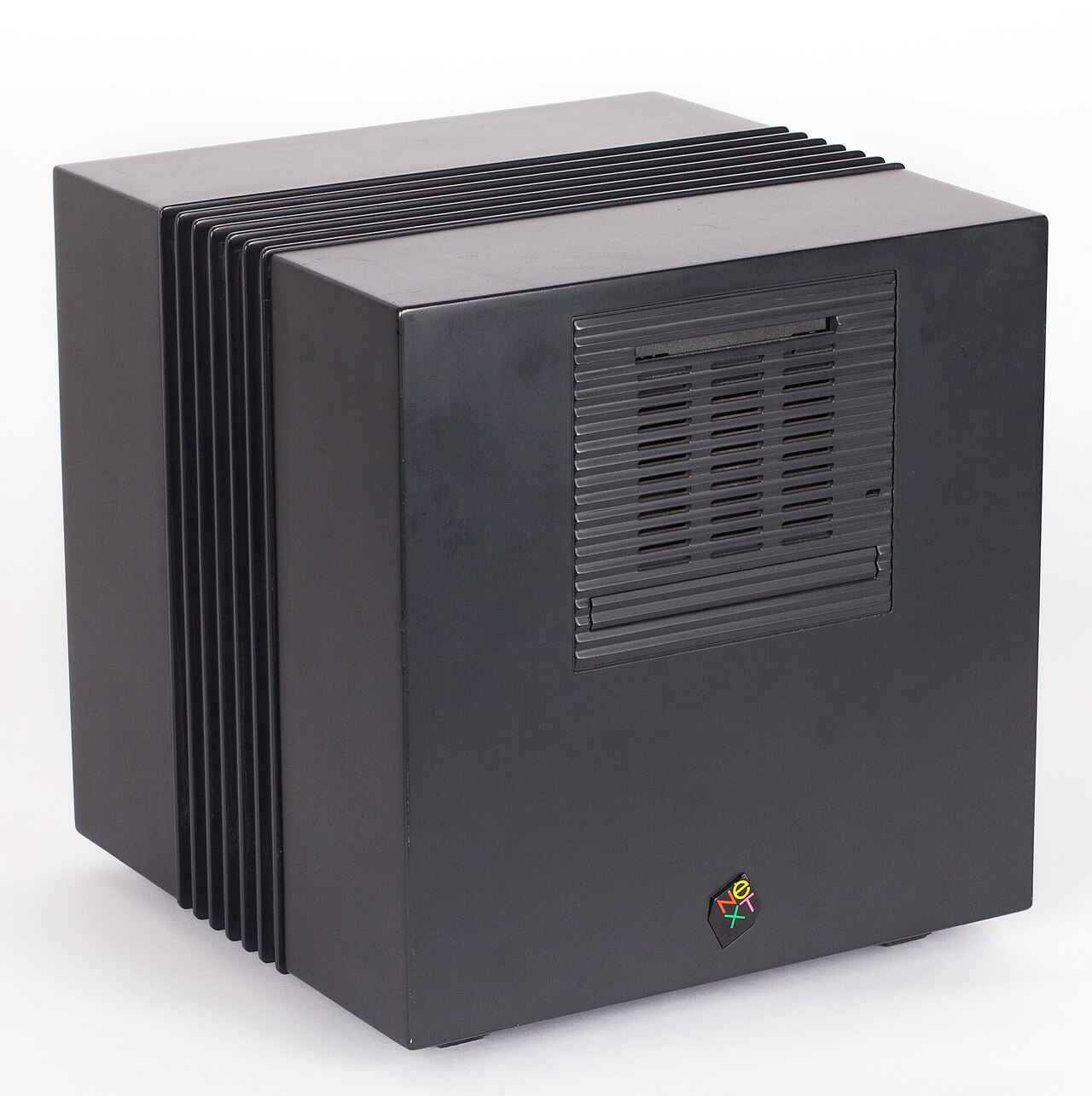
A black magnesium cube that shipped in 1988 with a 17-inch display and NeXTSTEP — an operating system later ideas of 'modern' computing quietly borrowed from. Waiting on capacitor service before it runs again.
Photo: Wikimedia Commons (CC BY-SA 3.0), via Wikimedia Commons.
Machine
SGI Indy
Machine
Silicon Graphics · R4400 · 1993
Category
Workstation
Platform
IRIX 6.5
Serial
DEMO-INDY-001
Condition
Good — light yellowing
Working
Yes
Acquired
2025
Location
Rack A · shelf 1
Demo entry — sample data for the inventory app, not a machine I own yet. Replace or delete it when the real collection goes in.
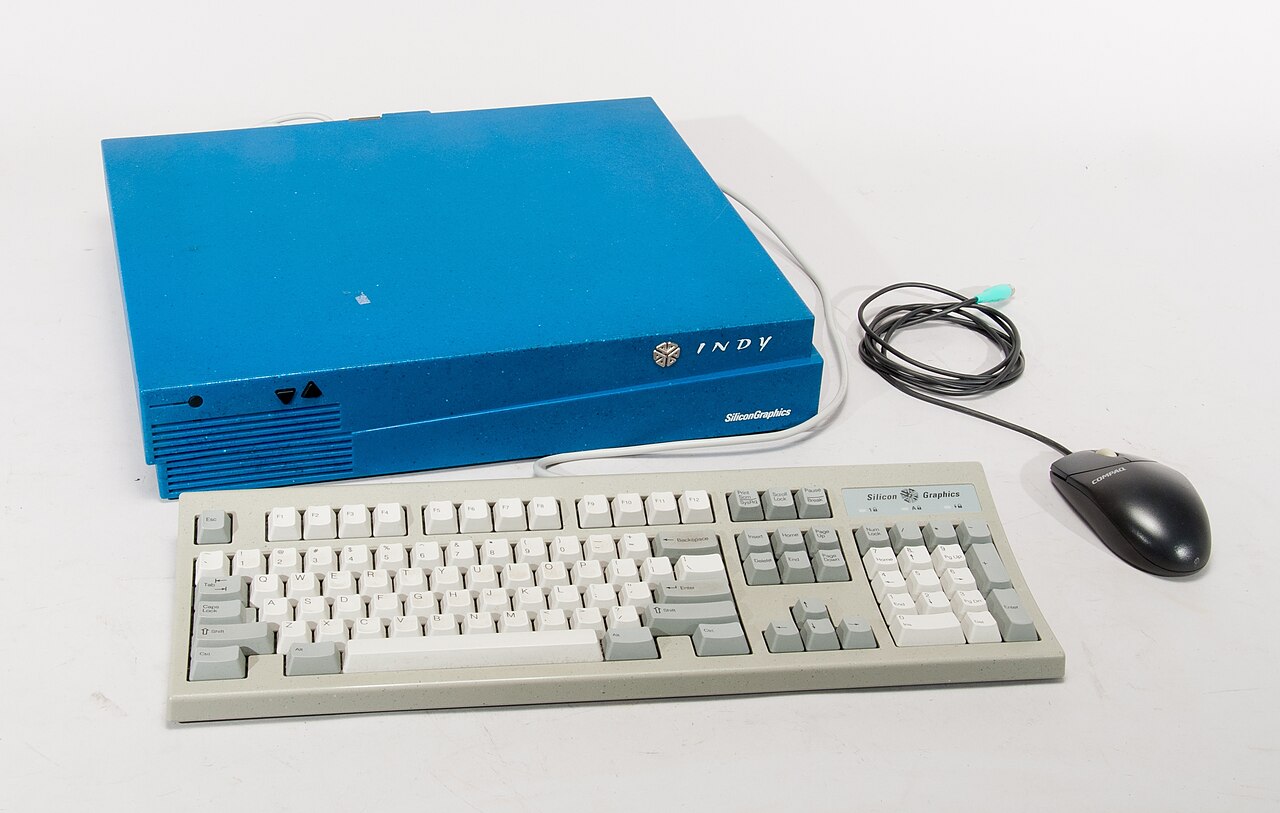
The machine that took SGI to the desktop. Launched in 1993 as the low-cost Indy, it packed an R4400 and the Indigo Magic look into a pizza box small enough to sit beside a Mac — and shipped with a camera in the box, years before webcams were a thing.
Photos: Wallén, Peter (CC BY 3.0), Dirk Liesch (CC BY 4.0), via Wikimedia Commons.
Demo entry — sample data for the inventory app, not a machine I own yet. Replace or delete it when the real collection goes in.
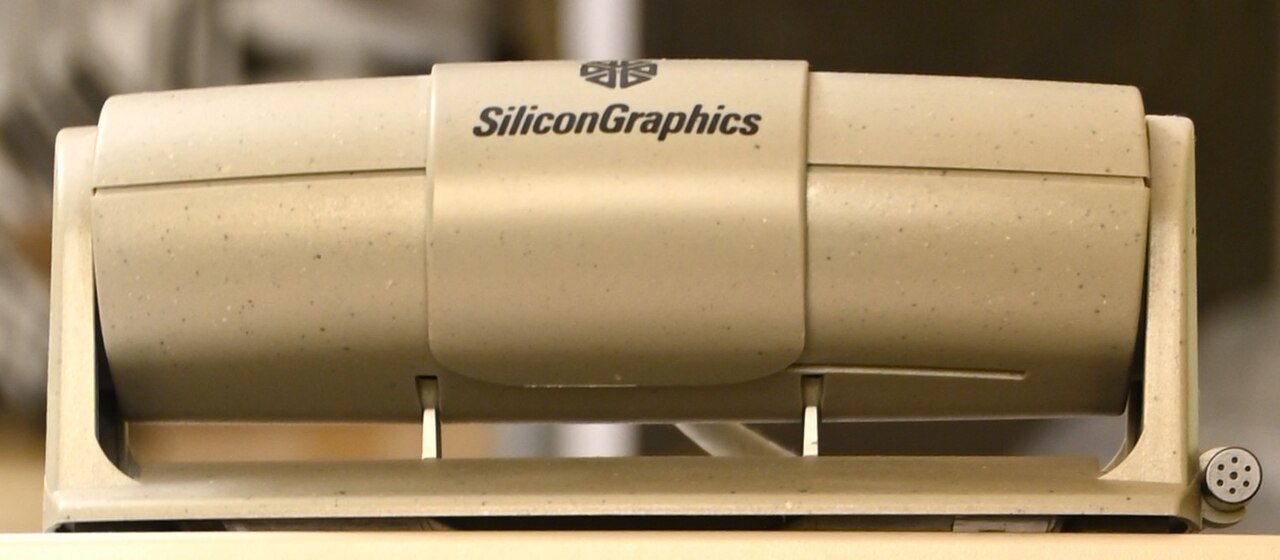
The little camera that came in the Indy's box in 1993. It made video capture on a desktop feel ordinary a decade before consumer webcams arrived.
Photo: Dirk Liesch (CC BY 4.0), via Wikimedia Commons.
Machine
SGI O2
Machine
Silicon Graphics · R5000 · 1996
Category
Workstation
Platform
IRIX 6.5
Serial
DEMO-O2-002
Condition
Very good
Working
Yes
Acquired
2024
Location
Rack A · shelf 2
Demo entry — sample data for the inventory app, not a machine I own yet. Replace or delete it when the real collection goes in.
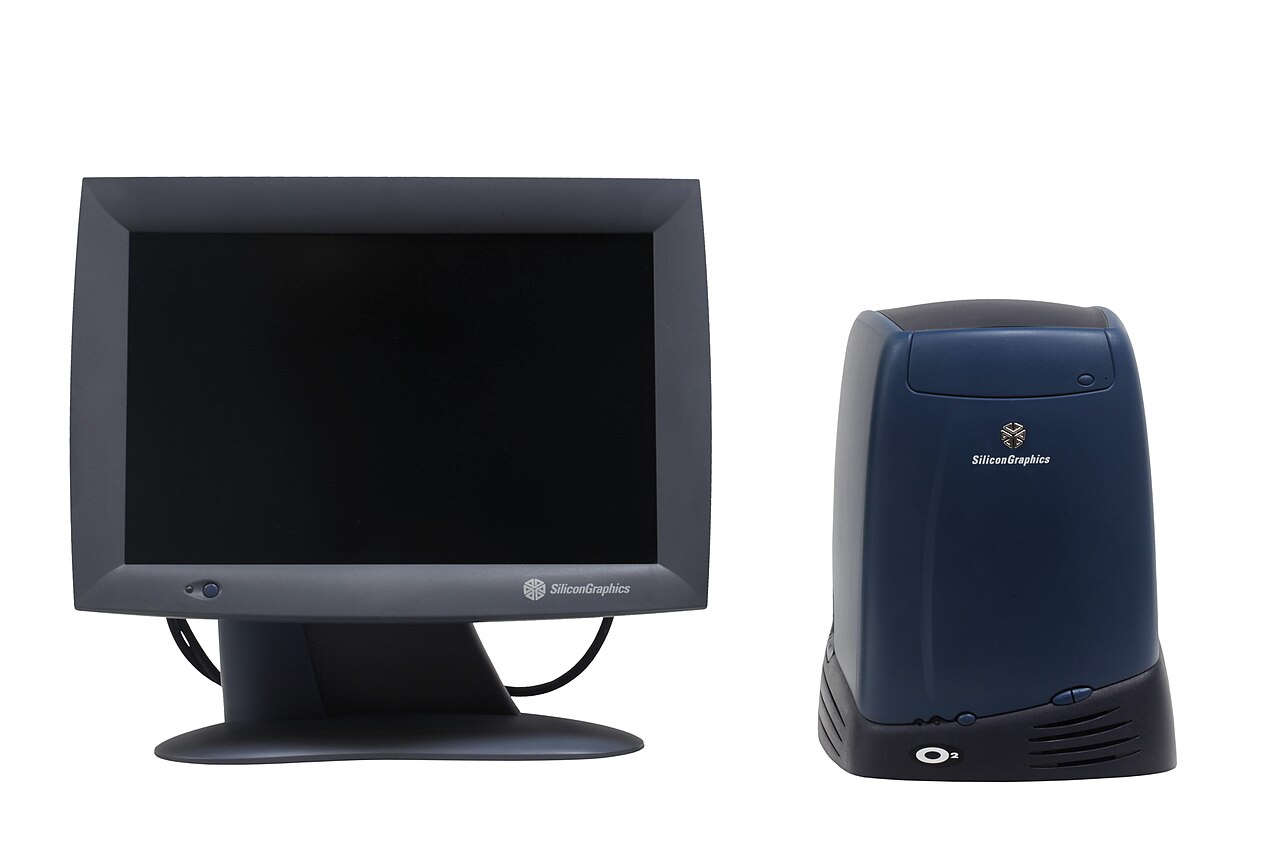
SGI's 1996 rethink of the desktop: unified memory, a built-in video pipeline and a case you could carry with one hand. It ran the same Indigo Magic desktop as its bigger siblings and quietly powered a lot of 1990s broadcast work.
Photo: Rama & Musée Bolo (CC BY-SA 2.0 fr), via Wikimedia Commons.
Clock
--:--:--—Local time
Winterm
jupiter@origin:~$
Calendar
—
MoTuWeThFrSaSu
Calculator
0
Scene Inspector
Open a window and its geometry shows up here.
Session Log
No events yet.
Screen Saver
The desk blanks itself after a quiet spell, then runs one of thirteen effects named after the IRIX screen savers. Move the pointer or press a key to wake it; lock it and only Unlock brings it back.
Settings load with the desktop.
About the desktop
The environment
About this desktop
jupiter.au is set up as a working desktop: the Toolchest, the objects, the status strip and the windows stay with you on every page. Drag a title bar to move a window, pull any edge or corner to resize it, drag it to the side of the desk to snap it into place, and right-click a title bar for that window's menu. Right-click the desk itself for the root menu.
Toolchest
The panel in the corner carries the classic seven menus — Desktop, Find, People, Applications, Shared Resources, System and Help — above the command field. Collapse it to the chip with the arrow in its title strip, or press Ctrl+K to bring it back.
Desks
Four desks, as 4Dwm kept them. Each surface belongs to the desk it was opened on — switch with the status strip, the Toolchest, or Ctrl+Alt+1…4. The Desks Overview window maps all four at once.
The catalogue
The Icon Catalogue lists every application the desk knows — click to select, double-click to open, right-click for the icon's own menu. The objects on the right edge can be dragged into a new order, and the one that will take the drop turns royal blue.
Customise
Desktop → Customise… holds the background (signal wash, flat or dim), the bevels (flat 2026 or the classic two-line), and the way to the Screen Saver. Choices stick to this machine.
Screen saver
Thirteen effects named after the IRIX screen savers, with a timeout, a Random mode and an optional lock. Open the Screen Saver window to change them.
Desks
Four desks, as 4Dwm kept them. Each surface belongs to the desk it was opened on — switch with the status strip, the Toolchest, or Ctrl+Alt+1…4.
Winterm
Type help for the commands — ls, open,theme, date.
Desks Overview
Loading the desks…
Icon Catalogue
12 icons shown; sorted by Name
Audio Panel
Volume—
Balance—
No audio hardware on this host.
Customise
Background
Bevels
Screen saver
The timeout, the effect and the lock live in the Screen Saver window.
screen locked
Move the pointer or press a key to wake the desk — or unlock right here.